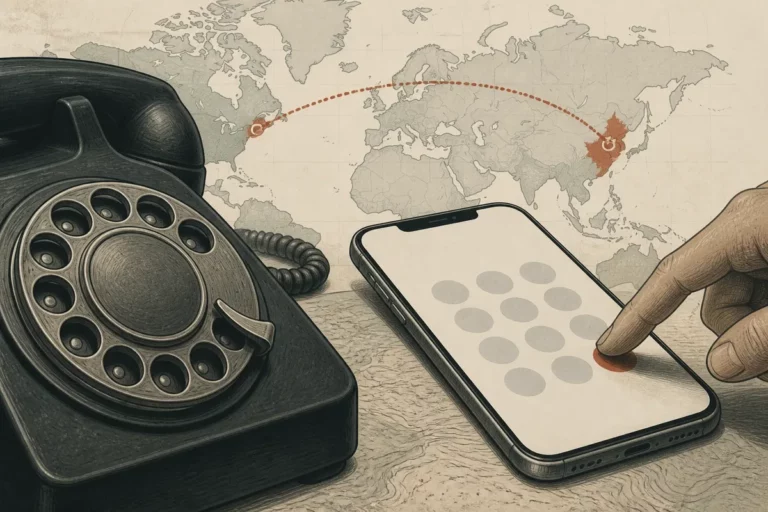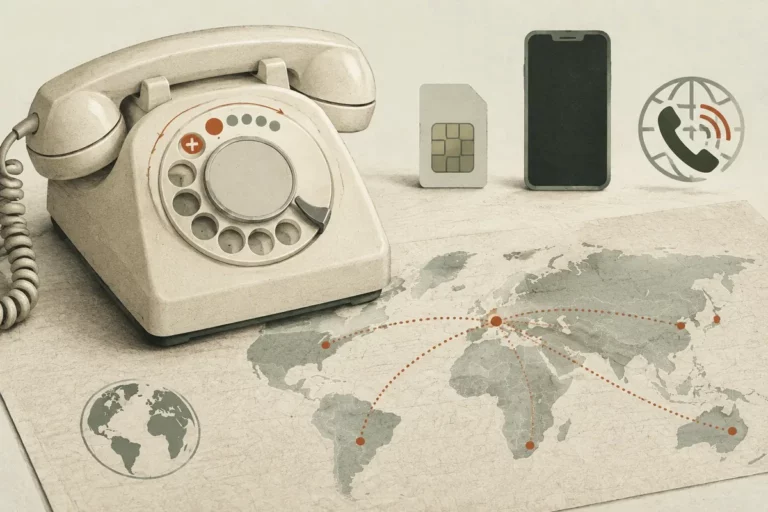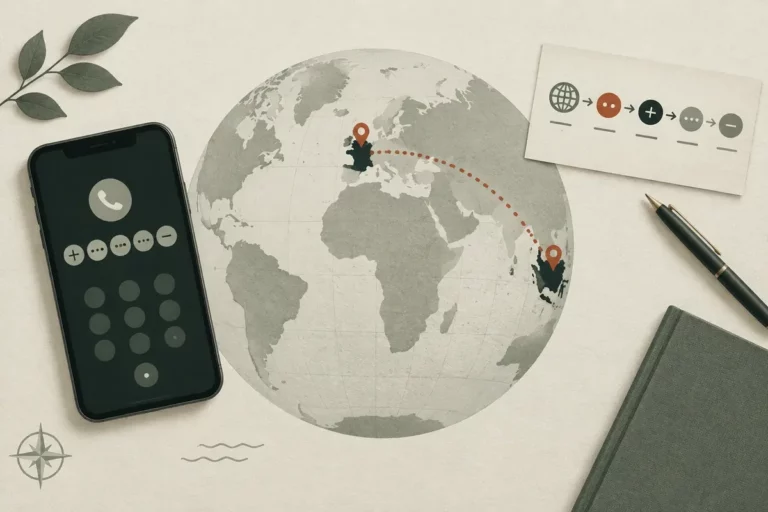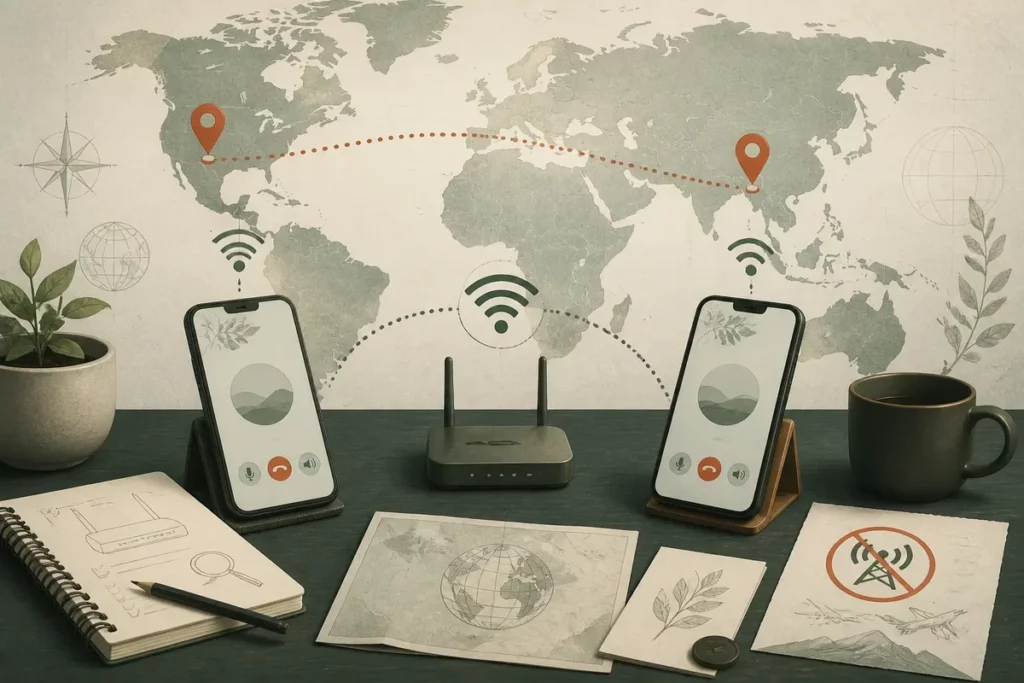
One practical rule explains most free international calls: both people usually need the same internet calling app and a Wi-Fi or data connection. App-to-app calls can avoid cellular minutes, while calls to ordinary mobile numbers and landlines may require credits, a trial, or a per-minute VoIP tariff.
Free international calls therefore depend on the route your call takes. A messaging app uses internet access, the phone dialer uses the carrier network, and a VoIP gateway connects to a regular number for a charge that must be checked before dialing.
Key Facts
- 📱 App-to-app calls are usually the clearest free option when both people use the same service.
- ☎️ Calls to a landline or ordinary mobile number may use paid credits or a per-minute gateway.
- 📶 Wi-Fi does not automatically make every call free; paid hotspots, roaming data, and subscriptions can still apply.
- 🔎 Check the calling screen, destination, rate page, and account balance before connecting.
What “free international calls” really means
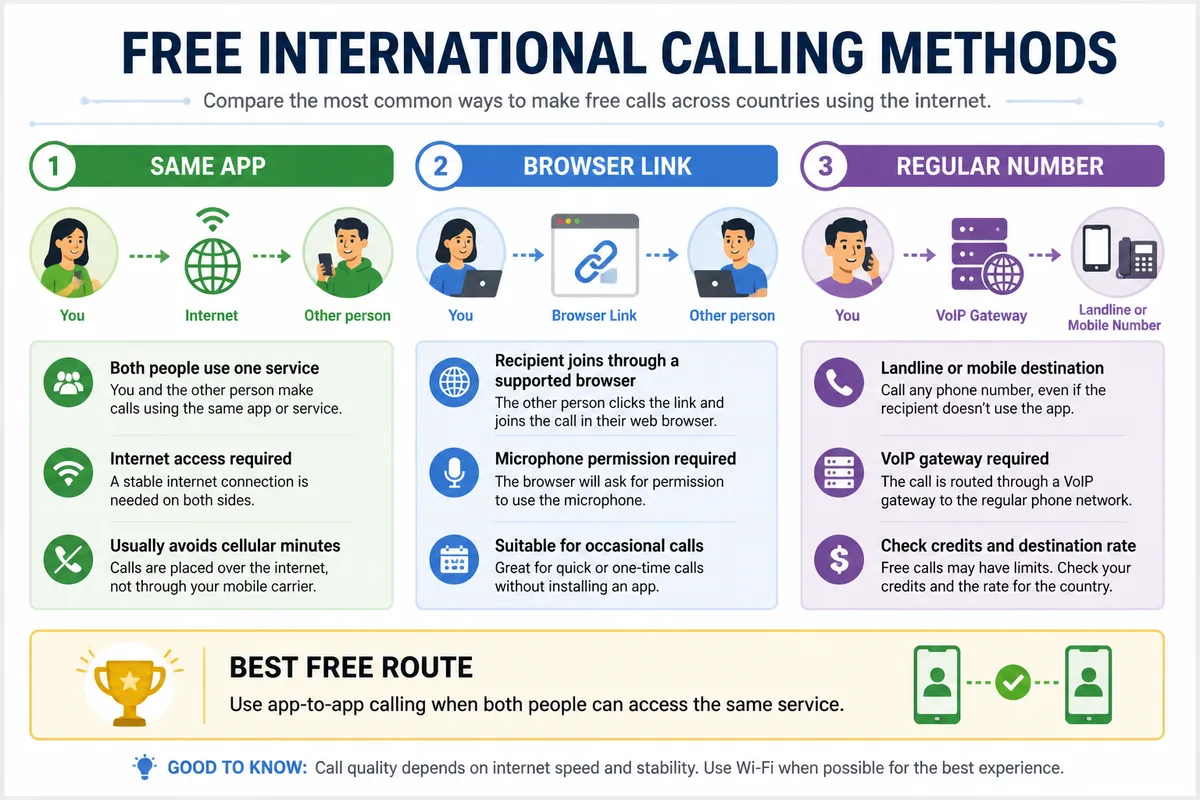
Thus, free international calling usually means an app-to-app voice call carried over the internet instead of cellular voice minutes. The recipient must normally use the same service or join its supported calling system, while a landline or ordinary mobile number may require paid VoIP termination.
Therefore, the word free describes the calling route, not every cost around it. Wi-Fi may be paid, mobile data may be roaming, and an application may sell credits or subscriptions for calls that leave its network.
A carrier voice call travels through the mobile operator’s international network and follows the customer’s tariff. Carrier Wi-Fi Calling still uses the operator’s calling service over Wi-Fi, so international charges can remain. An internet calling app uses its own connection instead.
Calling apps are internet communication services that transmit voice through a data connection. Compatible users can often call without cellular minutes, provided both accounts are active and the network supports the connection. Emergency calling, caller identification, and location transmission cannot be assumed from an internet calling app.
One common belief is that Wi-Fi makes every international number free. The phone dialer can still open the carrier route, and a hotel network can still charge for access.
Therefore, look at the screen before pressing the call button. The application name, contact type, destination number, and displayed credit requirement reveal who is routing the call and who is billing it.
App-to-app calls versus calls to a phone number
App-to-app calls connect two accounts inside one service, so the recipient usually needs the compatible application and internet access. Calls to a fixed line or mobile number leave that service through a VoIP gateway, where connection fees, credits, destination rates, and country exclusions may apply.
Same app, same route.
Therefore, treat a call to a regular number as paid until the provider’s current rate page says otherwise for that exact country and number type. Talk360 states that it can call international mobile phones and landlines, and its recipient does not need an internet connection or smartphone; the caller still needs to check the current tariff.
Why carrier Wi-Fi Calling is not the same as VoIP
Carrier Wi-Fi Calling extends a mobile operator’s calling service through Wi-Fi, while VoIP applications use the application provider’s internet route. The first can follow international carrier rules; the second can avoid cellular minutes when the call stays inside the app.
Check the calling interface.
Therefore, open the intended messaging, meeting, or calling application rather than the standard Phone app. A call that starts in the system dialer follows the carrier route, even when the handset is connected to Wi-Fi.
Choose the right free calling method for the person you need to reach
And the right method depends first on the recipient, not the country. Use app-to-app calling for someone who already has the same service, a browser link for an occasional participant, and a VoIP gateway only when the recipient has a regular number.
Therefore, choose the route that matches the recipient’s device and access. Free international calls are realistic for compatible internet users; a landline, basic mobile, or public-service number needs a separate price check.
| Recipient situation | Suitable route | What must be checked |
|---|---|---|
| Uses the same calling app | App-to-app voice call | Internet access and account availability |
| Can open a link | Browser-based meeting call | Supported browser, microphone permission, stable connection |
| Has a landline or ordinary mobile | VoIP-to-phone call | Current destination rate, credits, connection fees |
| Uses an Apple device | FaceTime Audio | Compatible Apple account, device, and internet connection |
Messaging apps for regular app-to-app voice calls
Messaging apps such as WhatsApp, Signal, and Messenger suit callers who already share the same platform and can connect to the internet. The account identifier, privacy settings, group-call features, and cross-platform support differ, so confirm the recipient before sending an invitation.
Audio quality follows the network.
Therefore, an app-to-app call is the strongest choice when the goal is genuinely free calling without cellular minutes. Stop there when both users are compatible; a paid phone-number service adds cost without solving a problem.
FaceTime Audio for Apple-to-Apple calls
FaceTime Audio can connect compatible Apple devices through Wi-Fi or mobile data without using ordinary cellular voice minutes. The caller must select FaceTime Audio from the Apple calling interface, and the option does not provide a cross-platform route to Android recipients.
Choose the audio option.
Therefore, FaceTime Audio fits two Apple users who already have the necessary accounts and connectivity. An Android recipient requires another service, such as a compatible messaging application or browser-based call.
Browser-based meeting links for occasional calls
Browser-based services such as Google Meet can work when the recipient can open an invitation link instead of installing the same mobile application. A supported browser, microphone permission, and stable connection remain necessary, while outbound calls to ordinary numbers can follow a paid plan.
A link is not a phone number.
Therefore, use a meeting link for an occasional conversation or a participant who cannot exchange app accounts. Do not treat a free meeting room as proof that the same service offers free calls to landlines or mobiles.
How to call abroad over Wi-Fi without using cellular minutes
However, a safe Wi-Fi call follows a short sequence: connect to trusted Wi-Fi, open the selected internet service, verify the recipient, and start the call inside that service. Testing the microphone and route first prevents an urgent call from falling back to the carrier dialer.
Therefore, perform the following checks before the conversation begins. A Wi-Fi-only test can confirm that the application carries the call instead of mobile data.
-
Connect to trusted Wi-Fi
Join a reliable network and confirm that the Wi-Fi symbol remains active. Hotel, airline, cruise, and public networks may impose separate charges or restrictions.
-
Open the official calling service
Download the application from an official app store or use the provider’s verified website. Start from the service’s conversation or calling screen, never from an unverified link.
-
Verify the recipient
Confirm the username, phone number, contact entry, or invitation link required by the service. Check the country and the intended person before connecting.
-
Test microphone and speaker
Grant microphone access, select the correct computer input if needed, and make a short test. Headphones can reduce echo during a longer call.
-
Start and monitor the call
Press the call button inside the application and watch for any credit, subscription, or network warning. Temporarily blocking mobile data for the app provides a useful route test.
On a computer, use the official desktop application or a supported browser, then select the correct microphone and speaker. On a phone, verify the Wi-Fi connection and begin from the app contact or conversation screen.
Some services work on a Wi-Fi-only device after account setup, although registration or recovery may require a phone number. A SIM card is therefore not always necessary for the conversation itself.
Therefore, do not switch to the system dialer when the recipient does not answer. Return to the application and confirm the call route before trying again.
Avoid roaming, data, and hidden international calling charges
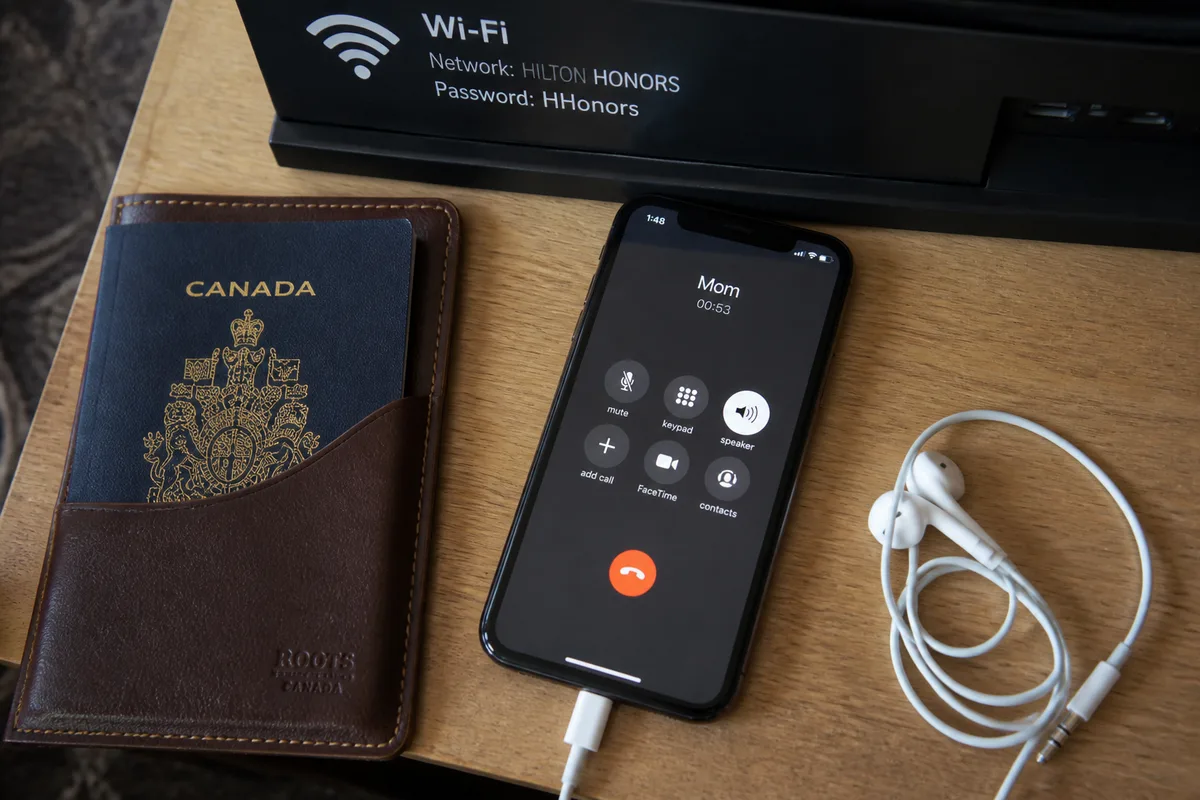
Or the main financial risk is an accidental carrier call or roaming data session after Wi-Fi drops. Review the carrier’s roaming policy, the application’s data permissions, and the provider’s current destination pricing before calling a foreign landline or mobile number.
Therefore, use a separate check for the network route and the commercial route. Wi-Fi can prevent cellular data use, while an app’s phone-number gateway can still charge for the completed call.
- Wi-Fi access: confirm whether the hotspot is free or paid.
- Roaming data: check whether the calling application may use cellular data.
- Paid features: look for credits, subscriptions, connection fees, and fair-use limits.
- Destination: verify the country, mobile or landline category, and current rate.
Keep the call on Wi-Fi
Reliable Wi-Fi reduces the risk of roaming data charges, but the connection can weaken when a device moves away from the access point. Disable mobile data or app-level cellular access during testing if the purpose is to confirm a Wi-Fi-only route.
Automatic network switching deserves attention.
Therefore, check the device’s network behavior before a long call abroad. An ongoing application call can move onto paid mobile data when the hotspot becomes unavailable.
Check paid features before dialing a number
Calls to ordinary phone numbers should be treated as paid unless the provider explicitly confirms a free credit or trial for that destination. Review the rate page, connection charge, credit requirement, expiry condition, and subscription terms immediately before placing the call.
Free trial does not mean unlimited calling.
Therefore, Talk360’s service description supports calls to mobile phones and landlines, while its current price must be checked for the exact destination. The Google Play listing showed more than 5 million downloads at the supplied observation time, but popularity does not establish a free or current tariff.
Protect privacy on shared networks
Use official applications, current device software, and account protection features when calling through public or shared Wi-Fi. Review microphone, camera, contacts, and location permissions according to the feature actually required by the call.
Privacy policies require a direct check.
Therefore, do not infer that a free service collects no data. Verify its current privacy documentation, account-recovery process, caller identification behavior, and permission requests before using it for sensitive conversations.
Fix the most common international internet-call problems
Yet connection failures usually have a concrete cause: the recipient is offline, the account is incomplete, the network blocks voice traffic, or the contact detail is wrong. Poor audio usually improves after reducing competing traffic, changing networks, using headphones, or disabling video.
Therefore, troubleshoot the route before blaming the destination country. International distance rarely explains an unstable app call by itself; network quality and account setup usually decide the result.
The call will not connect
Confirm that both people are signed in, online, and using the required application or valid meeting link. Check updates, account verification, notifications, and the recipient’s username or registered number before sending another invitation.
Try another trusted Wi-Fi network.
Therefore, a workplace, hotel, or public network may block voice services even when web browsing works. Reconnect through a permitted network and repeat the call from the application’s own contact screen.
Audio is delayed, muffled, or echoing
Move closer to the Wi-Fi access point and pause downloads, streaming, backups, and other video calls on the same network. Confirm that the selected microphone is not muted or blocked by the device’s permissions.
Disable video first.
Therefore, use headphones when echo persists and reconnect after turning off video. If the sound remains unstable, the connection may lack sufficient consistency for a reliable voice conversation.
A carrier call started by mistake
End the carrier call immediately and return to the intended application’s call button. Check whether the contact shortcut opens the system Phone app, then temporarily disable cellular data for the calling application during testing.
Review carrier records promptly.
Therefore, inspect the carrier account if an international charge appears. The safest correction is to change the contact shortcut and restart from the verified internet service.
What to Remember
- Free app-to-app calling requires a compatible service and internet access.
- Regular phone numbers usually require a paid gateway, credit, trial, or subscription.
- Wi-Fi does not guarantee zero cost if the hotspot, roaming data, or calling feature is charged.
- Start inside the intended app and confirm the route before dialing.
For a person with the same calling app, app-to-app voice calling is the correct choice. For a landline or ordinary mobile number, use a VoIP provider only after checking the destination rate, credits, and terms.
Frequently Asked Questions
Can I call another country for free with Wi-Fi?
Yes, app-to-app calls can avoid cellular minutes over Wi-Fi when both people use a compatible internet service. Calls to a regular landline or mobile number may still require paid credits or a subscription.
Do both people need the same calling app?
Usually, yes, for a direct app-to-app call. A browser-link service can let the recipient join without the same mobile application when the device and browser are supported.
Does calling abroad over Wi-Fi avoid roaming charges?
It can avoid carrier voice and roaming charges when the call stays inside an internet application on Wi-Fi. Roaming mobile data, paid Wi-Fi, and paid application features can still create charges.
Can I call a landline abroad without using cellular minutes?
A VoIP provider can route the call without using carrier minutes. The provider may charge a per-minute rate, credits, a subscription, or destination-specific fees.
Will internet calls work without a SIM card?
Many services work on Wi-Fi-only devices after setup. Registration, verification, account recovery, and contact discovery requirements differ by provider, so check those conditions before removing the SIM card.
Free international calls work best when both people use an accessible app and remain on trusted Wi-Fi; check the route, destination, and tariff before calling, and if the number is ordinary, treat it as potentially paid before calling.