3 checks prevent most failed international calls from an iPhone: enter +, add the destination country code, then type the number in that country’s verified international format. Open the Phone app, press and hold 0 until the plus sign appears, enter the complete number, and check your carrier’s international calling terms before tapping Call.
The number format controls where the call is routed. Your carrier, roaming status, selected SIM or eSIM, Wi-Fi connection, and calling app control whether the call connects and how it is billed.
Quick checks
📱 Use + on an iPhone: press and hold the 0 key on the Phone keypad.
🌍 Enter the country code and verified national number; do not remove digits by habit.
💳 Confirm the route and tariff: carrier calling, roaming, Wi-Fi Calling, and apps are billed differently.
🔎 When a call fails, check the number structure before changing iPhone settings.
The Correct International Phone Number Format
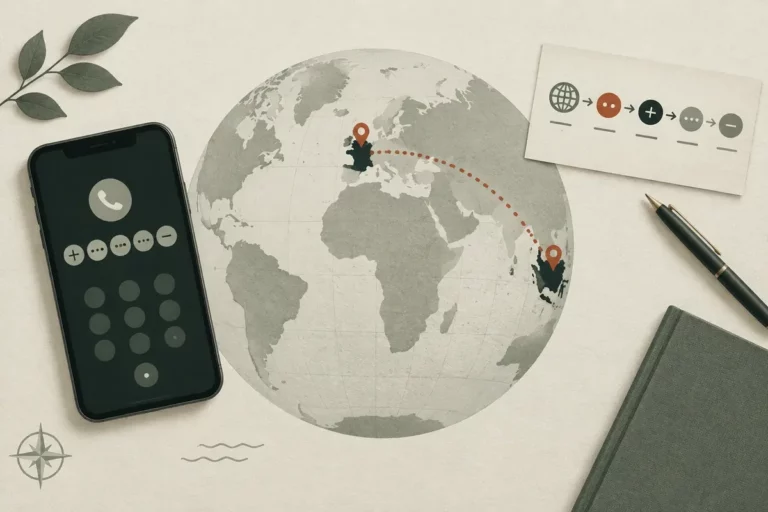
But an international phone number normally follows this sequence: plus sign, destination country code, regional or area code where required, and the local subscriber number. The format identifies the destination, while the carrier or app determines the route and billing. Verify the national numbering plan before deleting a leading digit.
Use the verified international format, not a guess.
So the plus sign acts as a portable international access symbol on a mobile phone, while an exit prefix such as 00 or 011 belongs to a particular originating country and connection context. A United States landline procedure can differ from an iPhone mobile procedure, so do not copy a landline instruction onto a mobile contact without checking it.
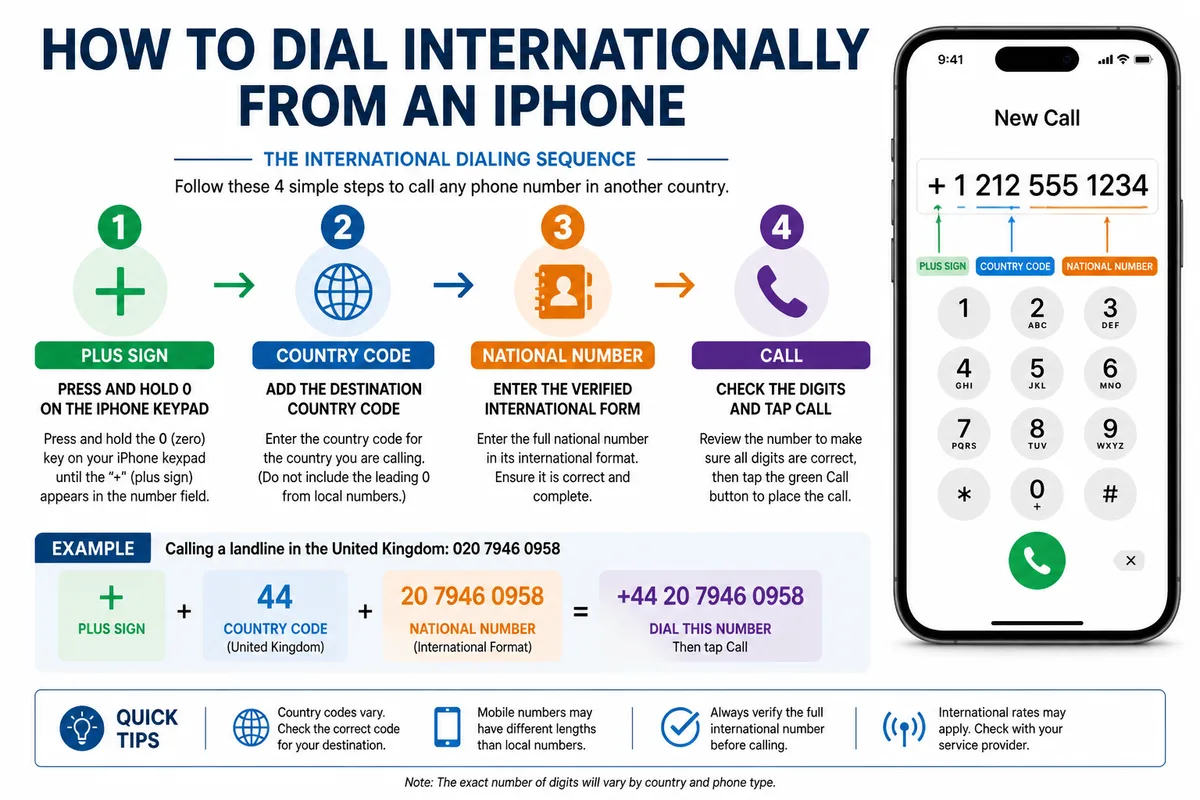
What each part of an international number means
But each part has a separate job. The plus sign signals international access on the iPhone, the country code identifies the destination, the geographic or mobile prefix narrows the route, and the subscriber number identifies the recipient.
A domestic number is written for calls made inside its own numbering plan. An international version adds the country code and may remove a domestic trunk prefix, commonly a leading zero, when the destination’s rules require that change.
So an area code is not a country code. The distinction matters when you compare a country code with an area code, because the two prefixes serve different routing stages.
When a leading zero stays or goes
But a leading zero must never be removed automatically. In the United Kingdom, the domestic pattern 020 XXXX XXXX is commonly represented internationally as +44 20 XXXX XXXX; in France, 01 XX XX XX XX becomes +33 1 XX XX XX XX.
The zero in those examples is a domestic trunk prefix. Other countries and number types use different rules, especially mobile numbers and special services.
Therefore, confirm the recipient’s international-format number or consult the destination’s official numbering plan. A familiar-looking result can still route incorrectly.
Illustrative formats for common destinations
But the following patterns are fictional examples for structure, not callable numbers or a complete country-code directory. Spacing improves readability; the prefix rules and digits carry the routing information.
| Destination | Illustrative international pattern | Practical caution |
|---|---|---|
| United Kingdom | +44 20 XXXX XXXX | Check the treatment of the domestic trunk zero. |
| France | +33 1 XX XX XX XX | Use the verified international form. |
| Australia | +61 2 XXXX XXXX | Confirm the national number and regional prefix. |
| Canada | +1 416 XXX XXXX | Country code +1 covers multiple countries and territories. |
| India | +91 22 XXXX XXXX | Verify the mobile or landline format before dialing. |
How to Dial or Save an International Number on an iPhone
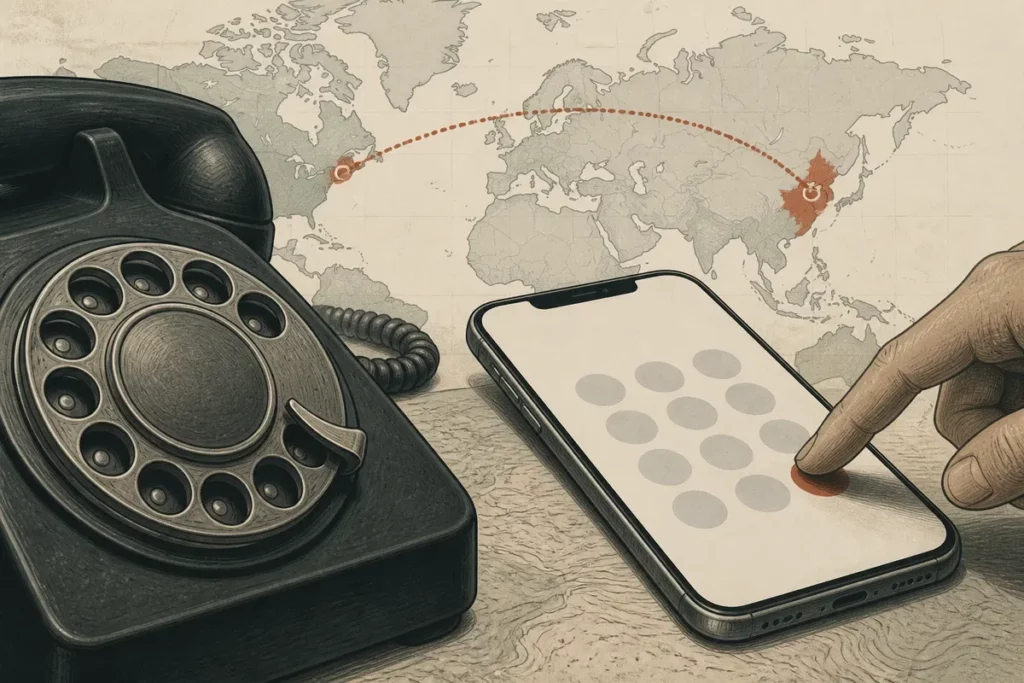
But the manual process is short: open Phone, select Keypad, press and hold 0 for the plus sign, enter the country code and verified national number, then tap Call. Saving the same complete format in Contacts reduces errors when the iPhone is used at home or while traveling.
So check the digits once before calling.
-
Open the Phone keypad
Launch the Phone app and tap Keypad. Press and hold the 0 key until the plus sign appears.
-
Enter the destination code
Type the country code, followed by the recipient’s verified international-format number. Keep the complete sequence visible.
-
Check the number
Compare the displayed digits with the recipient’s confirmed number or an authoritative national numbering source.
-
Place the call
Tap the Call button after checking the carrier route, plan permission, and applicable tariff.
Save an international contact for reliable reuse
But Contacts should normally store the full number beginning with + and the country code. Open the contact, choose Edit, replace a local-only number with the verified international format, and add a label such as mobile, work, or home when several numbers exist.
That format remains usable when the iPhone moves between countries or networks.
So do not add a second country code to a number that already begins with +. Spaces and hyphens usually improve display only; deleting digits to make a number look familiar can change the destination.
Handle numbers sent by message or email
But copied numbers deserve a separate check. Look for duplicate plus signs, a country code added twice, or a domestic exit prefix inserted after the plus sign.
Extensions, toll-free numbers, premium-rate numbers, and short service numbers may follow different reachability rules. Confirm those exceptions with the service provider or the recipient.
Calling Abroad From Home or While Traveling: What Changes
But the number format usually stays tied to the destination, while the connection and billing route change with your location. A call from your home country is an international call from that network; a call made abroad may also involve cellular roaming, a travel eSIM, a local SIM, Wi-Fi Calling, or mobile data.
So location changes the bill, not automatically the digits.
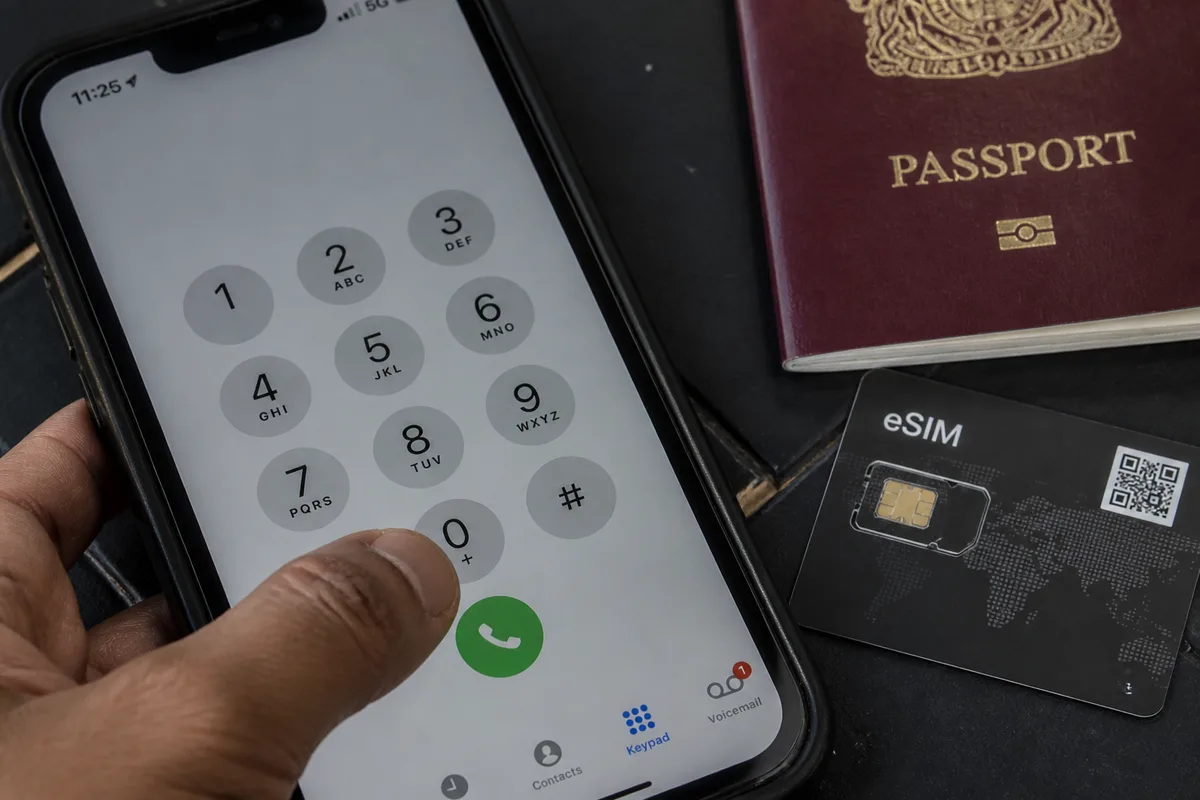
Costs to check before using cellular service
But no current universal price should be assumed. The final charge depends on the plan allowance, destination, caller location, roaming status, number type, and carrier restrictions, so the relevant carrier rate page is the controlling source before the call.
International calling charges and roaming voice charges are separate billing situations. Mobile-data charges are a third possibility when an app or Wi-Fi Calling route uses data under a plan with applicable limits.
Check the current terms for the exact destination.
A historical FCC consumer tip sheet, updated May 7, 2024, contains examples posted for September 2020; those examples are not current 2026 tariffs. The FCC also distinguishes mobile and landline access procedures, which is why a mobile iPhone instruction should not be treated as a universal landline rule.
When Wi-Fi Calling or calling apps may help
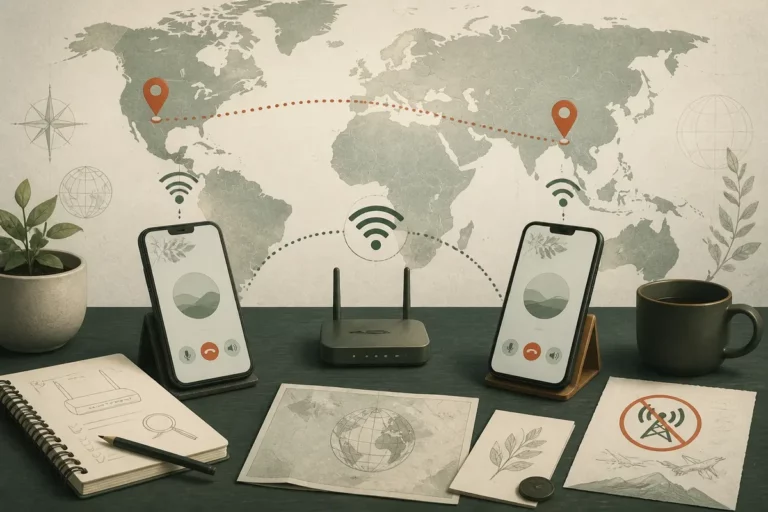
But Wi-Fi Calling is carrier- and plan-dependent, and its billing treatment must be confirmed with the carrier. On supported iPhones, the settings path shown by Apple is Settings > Phone > Wi-Fi Calling, although availability depends on the service and region.
FaceTime Audio, WhatsApp, and Viber use internet connectivity and generally require the recipient to use the same service for app-to-app calling. The connection can still consume Wi-Fi or mobile data, and roaming data can create a separate charge.
App calling is not a guaranteed free route.
Emergency numbers, premium-rate services, toll-free numbers, and business short codes can have different reachability rules. Check the service’s own conditions before treating an app as a replacement for a standard carrier call.
For a broader comparison of internet-based options, see these ways to call abroad with apps, while checking every provider’s current terms independently.
Choose the correct line with Dual SIM or an eSIM
But a dual-SIM or eSIM iPhone can place the call through the wrong line if the selected number is not checked. Before calling, tap the current line name and choose the SIM or eSIM that has the intended coverage, international permission, and tariff.
All calls use the selected line until the iPhone changes that selection.
So check the line before checking the call button.
Consider the destination time zone
But a successful call can still arrive at an unsuitable hour. Compare the caller’s local time with the destination’s current time zone, including seasonal clock changes, before calling a personal or business number.
Use an official time-zone source when the appointment matters.
Why an International Call Will Not Connect
But troubleshoot an unsuccessful call in this order: verify the number structure, check international permissions and account status, then inspect the iPhone’s network connection. A correct country code cannot overcome a carrier block, an unavailable roaming service, an insufficient prepaid balance, or a destination restriction.
Start with the number, not the settings.
Check the number before changing iPhone settings
But confirm the destination country code and the complete digit sequence with the recipient or an authoritative source. Check whether a domestic trunk prefix belongs in the international version, and test whether the problem affects one number or every international destination.
- Missing country code: add the verified international prefix.
- Retained trunk prefix: compare the national and international formats.
- Duplicate exit prefix: remove the extra access code after confirming the correct format.
- Incorrect digit count: request the complete number again.
- Special number: ask the operator whether international access is supported.
So reformat only the digits that the destination’s numbering rules justify.
Check the account, roaming, and network
But a correctly formatted number can still fail when international calling is disabled, a spending cap blocks the call, roaming is unavailable, or the selected line has no service. Confirm the plan permission and any relevant prepaid balance before repeating the call.
- Check cellular signal or Wi-Fi according to the selected calling method.
- Confirm that Airplane Mode is off.
- Restart the iPhone if the network registration appears stuck.
- Install available carrier settings or iOS updates.
- Test a second verified international number.
Carrier restrictions cannot be solved by reformatting an already correct number.
Frequently Asked Questions
Can I use the plus sign for an international call on an iPhone?
Yes. Open the Phone keypad, press and hold 0 until + appears, then enter the country code and the correctly formatted national number before tapping Call.
Can I replace + with 00?
00 is an international access prefix in many places, but it is tied to the originating country and connection method. The plus sign is the safer format for an iPhone contact used across locations, provided the destination number is verified.
Do I always remove the first zero from an international number?
No. A leading zero often serves as a domestic trunk prefix, yet national numbering rules differ by country and number type. Use the destination’s official international format instead of applying a universal deletion rule.
Will calling abroad from an iPhone cost extra?
It can. The charge depends on the plan, caller location, roaming status, destination, number type, and whether the call uses cellular voice, Wi-Fi Calling, or an internet-based service. Check the current carrier or app terms before calling.
Should I save international contacts with + and a country code?
Usually, yes, once the number has been verified. A complete + format avoids dependence on a local exit prefix and remains easier to use when the iPhone is traveling.
Why will my international iPhone call not connect?
Recheck the country code, national format, digit count, selected SIM or eSIM, carrier permission, roaming status, and network connection. If the number is verified and other international calls also fail, give the carrier the destination and attempted format for investigation.
What to remember
Use the iPhone plus sign, then the destination code and verified national number.
Keep country-specific trunk-prefix rules separate from carrier and roaming conditions.
Ask who pays for the route: cellular voice, roaming, Wi-Fi Calling, or mobile data.