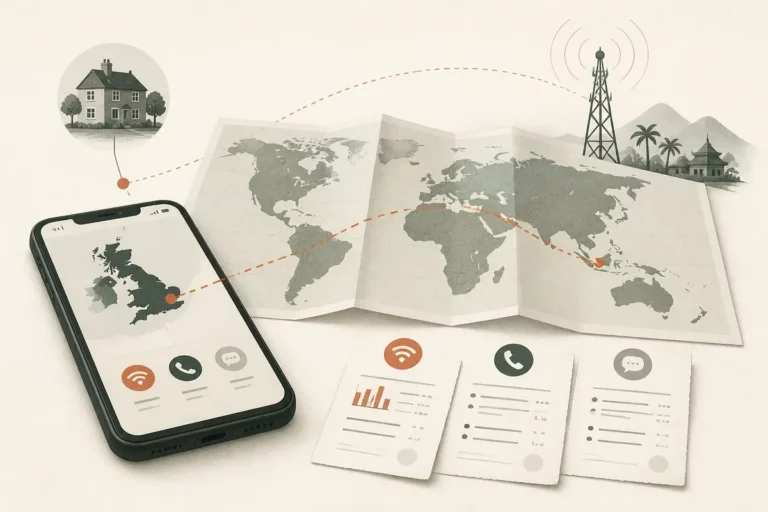
Before you dial, prepare phone for travel by checking that your device and carrier will work abroad, choosing roaming or a SIM option, adjusting cost settings, and saving essential information offline. The right setup depends on your destination, carrier, phone compatibility, and whether you need your usual number while away.
A phone can connect abroad and still generate charges you did not expect: a daily roaming pass may start when the line connects, while data, calls, or text messages may have separate terms. Check what triggers charges before departure, then test the settings and offline materials you will actually need.
How to prepare phone for travel before departure
Still, the first useful step is to confirm that your phone can use a service in the country you are visiting and that your carrier has explained its charges. Check the device lock status, SIM options, supported network bands, and destination-specific service details before buying a plan or relying on your home line.

Confirm that your phone is unlocked
Check your carrier account or contact the carrier and ask whether the phone is unlocked for another provider’s SIM or eSIM. An unlocked phone can accept a compatible plan from another provider; a locked phone may restrict that choice even if the handset supports the required network technology.

Ask for a clear answer about your exact device and account. A phone purchased outright is not automatically unlocked, and a carrier’s unlocking terms can depend on the account or device. Get the status confirmed before you leave, when you still have time to resolve a restriction.

Check eSIM support and network compatibility
Check the phone’s settings or manufacturer specifications for eSIM support, then confirm that the travel provider supports your exact model. A device can support eSIM technology without being eligible for every provider’s service, and a provider’s coverage map does not prove that your phone supports the bands or network access used at your destination.
Look up the destination and the provider’s coverage information together. Check which countries, network partners, and service types are included; then ask whether your intended plan covers the places on your itinerary, including any layover where you expect to use mobile data.
Read the carrier terms, not just the offer name
Check your carrier’s official international-use page or app for the destination, and save the relevant rate and plan details. Identify the fixed charges, such as a daily pass or plan fee, separately from variable charges for calls, data, or messages; also check what happens when an allowance runs out.
“Unlimited” is not a full cost explanation. Read whether speed limits, fair-use restrictions, excluded destinations, or charges for call forwarding apply. A travel pass can have an activation trigger, so ask whether receiving a call, sending a text, or background data starts the charge.
For a practical checklist focused on switching on a carrier’s service, see how to activate international roaming. Confirm the current terms with your own carrier; another provider’s instructions cannot establish your rate or eligibility.
Choose how to connect: roaming, travel eSIM, local SIM, or Wi-Fi
Still, the right connection is the option whose total cost and phone-number access match your trip, not simply the plan with the lowest advertised price. Compare the roaming rate with Wi-Fi calling and a travel or local SIM, including setup charges, usage limits, and the consequences of keeping your home line active.
Use your carrier’s roaming option when continuity matters
Check whether your carrier offers a pass or a destination-specific roaming rate. Roaming means your home mobile service connects through a partner network abroad; the home carrier may bill for that use under the terms of your plan.
A roaming pass may suit a short trip when you need your usual number for calls, texts, or account verification. It may not be the least expensive choice for long stays or heavy data use. Compare the total expected charge with the cost of a SIM or eSIM, and include any pass fee that applies on each day of use.
Do not assume that a phone connecting to a foreign network means data is included. Voice, text, and data allowances can be treated differently, and billing rules depend on the carrier and destination. Review the exact plan terms before enabling roaming.
If the carrier lists a daily fee, calculate the trip total using the days on which the fee can be triggered, not just the number of nights away. Then check whether background data or an incoming call can make a day billable.
Choose a travel eSIM or local SIM for a separate plan
Check that the phone is unlocked and compatible before purchasing a travel eSIM or local SIM card. A travel eSIM is a digital mobile subscription installed on a supported phone; a physical local SIM is a card issued for service in the destination or region.
A data-only eSIM may provide mobile internet without a conventional local voice number. Confirm whether it includes calls or texts, which networks it uses, when its validity period begins, and whether hotspot use is allowed. A local SIM can offer a local number, but its registration and purchase conditions depend on the provider and destination.
Choose a data-only plan when you need maps and messaging apps, and do not need conventional calls from a local number. Choose a voice-and-data option when reachable local calling matters. The correct option is the one whose included services match your actual tasks.
Check the installation instructions before departure. Some plans require an internet connection to install or activate, and some start their validity period at installation rather than first use. Do not delete an eSIM profile to troubleshoot unless the provider confirms it can be installed again.
Use Wi-Fi with a clear fallback
Check whether your accommodation or workplace provides Wi-Fi, but do not make it your only way to navigate or contact someone. Wi-Fi calling routes calls over a Wi-Fi connection when supported by the carrier and phone; its availability and billing treatment are carrier-specific.
Public Wi-Fi is useful for routine browsing, but avoid entering sensitive account information on an unfamiliar network unless you can verify the connection and protect the session. A password-protected network is not automatically trustworthy. Use your bank’s official app or a trusted mobile connection for sensitive actions when practical.
Keep one reliable fallback: an active roaming option, a compatible local plan, or offline information for the most important parts of the trip. What happens after connection? Confirm the network, service type, and likely charge before depending on it.
Set up international phone settings before you leave
Still, configure the phone while you have a dependable connection and time to check each setting. Set the intended SIM for mobile data, decide whether the home line needs to remain active, and disable features that could use data without your noticing.
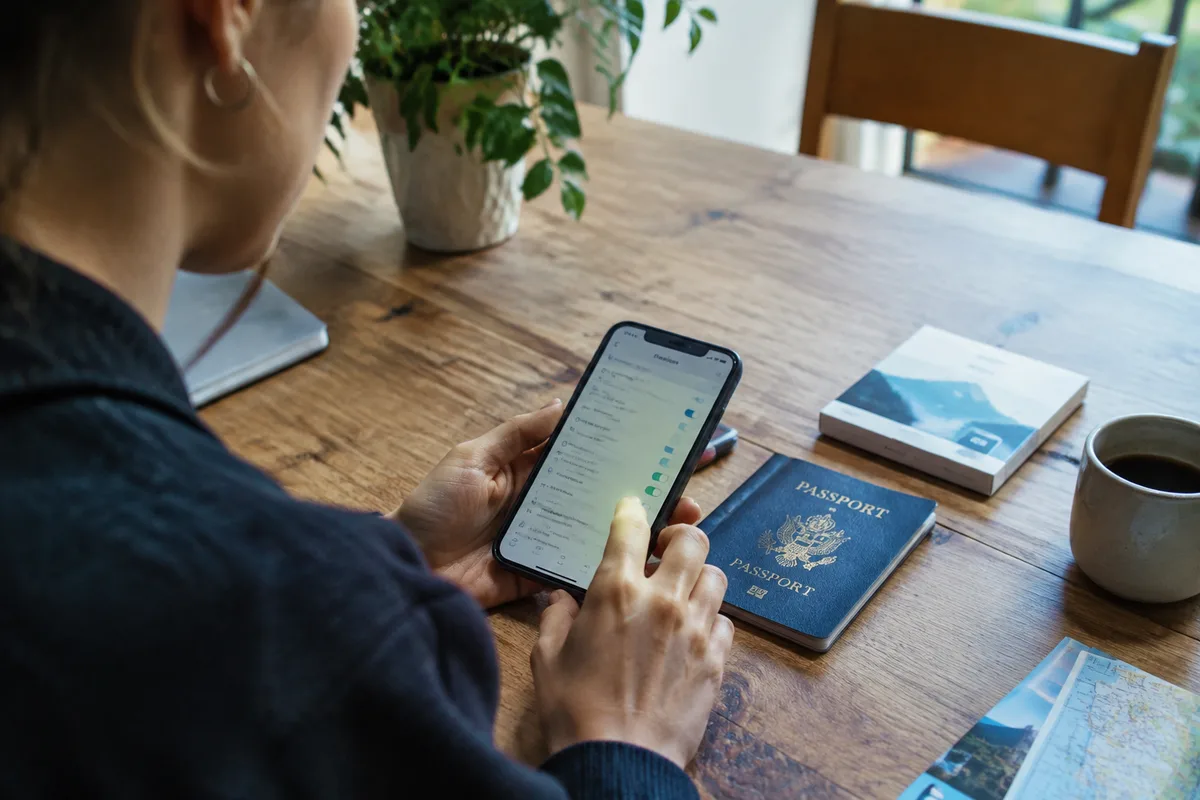
Step 1: Choose the data line and roaming controls
Check the cellular or mobile-network settings and identify which SIM will supply mobile data abroad. If you use two lines, label them clearly where the phone allows it, such as “Home” and “Travel,” so the data selection is easy to verify after arrival.
Turn data roaming on only for the line and plan that require it. If you are relying on a travel eSIM, check the provider’s setup steps: some services require data roaming to be enabled for that eSIM, while your home line can have roaming disabled. Follow the instructions for each line rather than switching every roaming control on by default.
Disable automatic switching between SIMs for mobile data if your phone offers that feature and you want to avoid an unintended change to a line with different charges. Read the setting description before changing it; on some phones, a setting that improves connection continuity can move data to the other line.
Step 2: Reduce background data use
Check the phone’s data-usage controls and restrict background activity for apps that do not need to update while you travel. Turn off automatic app updates over mobile data, cloud photo uploads, and large media downloads unless your plan specifically covers them.
Set a data warning or limit if your device offers one. These controls help you notice use; they do not replace your carrier’s billing records, and a phone’s usage total may not match the carrier’s accounting period exactly.
Streaming can consume a plan quickly. Download films, music, and podcasts on a trusted connection before departure if you intend to use them offline, and check that the downloads are available without signing in again.
Step 3: Keep your home number only if you need it
Check whether you need the home SIM active for calls, texts, or one-time passcodes. If you leave it enabled alongside a travel eSIM, select the travel line for data and review the home carrier’s charges for incoming calls, outgoing calls, and messages.
A travel eSIM does not automatically transfer your usual number. Depending on the phone and carrier, you may be able to keep the home line active for calls or texts while using a separate line for data, but that configuration does not make home-line use free.
For a data-only eSIM, internet messaging apps can still use your existing account when the app supports it; conventional calls to your usual mobile number follow your carrier’s service and charges. Test any essential account-verification method before leaving, and keep an alternative recovery method in case a text cannot arrive.
Check call forwarding as well. If calls to your home number are forwarded to another number, the carrier may bill the forwarding leg separately; disable forwarding unless you understand the charges and need the feature.
Save essential travel information for offline use
Still, a good mobile plan cannot guarantee a signal in every building, rural area, transit tunnel, or border crossing. Download the information you need before leaving reliable internet access, and keep a second copy of the most important details where you can reach it without signing in.
Offline access removes a connection dependency. It does not replace a backup.
Check that maps are saved for the correct area and that travel documents open in airplane mode or with mobile data disabled. Save accommodation addresses, booking references, transport details, and the contact information for people you may need to reach.

Prepare maps, translation, and contact details
Check each offline app before departure instead of assuming that opening it once downloads its content. For maps, save the destination area and test a route; for translation, download the language pack if the app supports offline use.
Store key details in a secure note or another accessible format: accommodation address, booking references, carrier support number, and the number of a trusted contact. Keep a copy outside the phone for essential documents, such as a printed itinerary or a secure backup on another device.
Save the country calling code and full international format for important contacts. In phone address books, a number written with a leading plus sign and country code is often easier to use across borders than a number saved only in local format; confirm the correct format for the destination number.
Country codes identify a destination’s numbering area; they do not tell you the caller’s precise location. Some numbering plans share a country code across multiple countries or territories, and additional digits identify the destination within that plan. Caller ID can also be falsified, so an international prefix on the screen is not proof of who is calling.
Emergency numbers, short codes, toll-free numbers, and premium-rate numbers may not work from a foreign network because those services can be limited to a specific numbering plan, carrier, or country. Save the destination’s official emergency contact information from an appropriate government or travel authority, and do not assume your home emergency number will connect abroad.
Check banking and account recovery before travel
Check that your banking and authentication apps open, and confirm how you can recover access if your home number is unavailable. A login that depends on a text message can fail when the home SIM is off, roaming is blocked, or the destination network cannot deliver that message.
Set up a supported alternative recovery method before departure, such as an authenticator app, backup codes, or a verified email address. Store recovery codes securely, not in an unlocked note beside your passwords.
Install updates to essential apps while connected to a trusted network. Then open them once more and confirm that credentials, document downloads, and authentication methods are available.
Test the connection on arrival and troubleshoot failures
Still, do not judge a setup by the signal icon alone: confirm that the intended line is active, data works, and the carrier has not applied an unexpected charge. Test a basic web page or message first, then check the plan’s usage record before making lengthy calls or downloading large files.
Step 4: Activate the selected service and verify it
Check whether the travel SIM or eSIM requires manual activation, a network selection, or an APN setting, and follow the provider’s exact instructions. For carrier roaming, make sure the destination is included in the plan and that the correct line has roaming enabled.
Restarting the phone can prompt it to register again after a SIM or settings change. If the phone offers automatic network selection, try that first; choose a network manually only when the provider identifies a partner network or recommends that step.
Confirm the active data line in settings. Open a simple webpage with Wi-Fi turned off, then check that messages or calls work only if they are included in the service you selected.
Review the carrier app or account page for usage and pass activation. A device’s data counter helps track consumption, but the carrier’s account is the relevant place to confirm billed use and plan status.
Step 5: Fix the common connection problems
Check the failure in a deliberate order: confirm the SIM is enabled, verify the selected data line, check roaming requirements, and restart the phone. Then confirm that the destination and current network are supported by the plan.
For an international call, the plus sign on a mobile phone can be used in place of the international access prefix; the destination country code and number follow it. The access prefix depends on where the call originates, so do not copy a dialing example from another country without checking its origin.
For example, the U.S. Federal Communications Commission describes 011 as the international access prefix for calls originating in the United States. It gives Mexico’s country calling code as 52 and says not to add an extra 1 after that code when calling Mexican mobile numbers. Those details apply to the stated call context; check the destination’s current instructions if the number format is unclear.

If the call still fails, confirm that the number is active and complete, remove a domestic prefix only when the destination’s dialing instructions require it, and ask the carrier whether international calling is enabled. Do not keep retrying a premium or unfamiliar number before checking its destination and rate.
Errors to avoid and final checks
Check the plan before changing several settings at once; otherwise, it becomes harder to tell whether a failure comes from the SIM, network selection, or account eligibility. Do not assume Wi-Fi calling avoids charges, that a local SIM works in a locked phone, or that every eSIM includes a local number.
Use the carrier’s official destination page for rates and eligibility, the phone manufacturer’s support instructions for device settings, and the SIM provider’s setup guide for activation details; check all three before changing a setting that could affect access or billing. Keep the final configuration visible in your notes so you can dial safely.
For a separate reference on preparing a handset and checking international dialing details before departure, see https://www.country-dialing-codes.net/international-calling-codes-how-to-prepare-your-phone-before-travelling/.